
How to Add a Material to Many Objects at Once in Blender
 Mika
Mika- Updated Sep 10, 2026
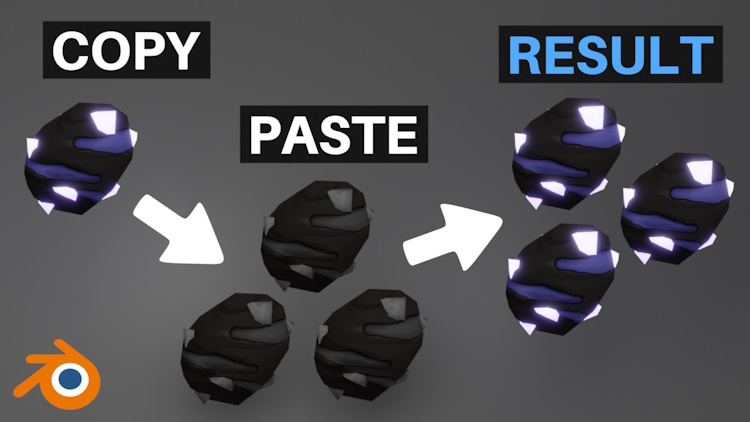
Instead of adding a material to multiple objects one by one, you can just simply use the Link Materials action.
Setting the Material Quickly to All Objects
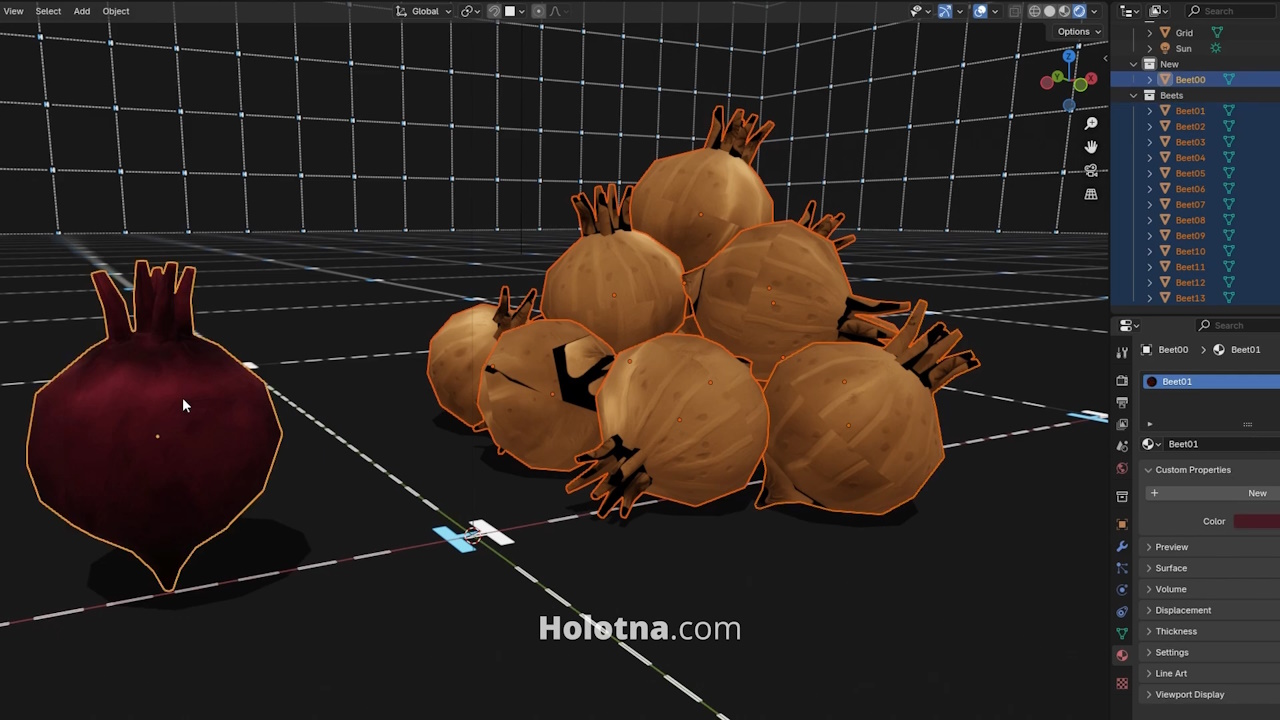
Hold down SHIFT and select all the objects you want to set your new material to, then lastly, select the object that has that new material. This object should have a yellow outline.
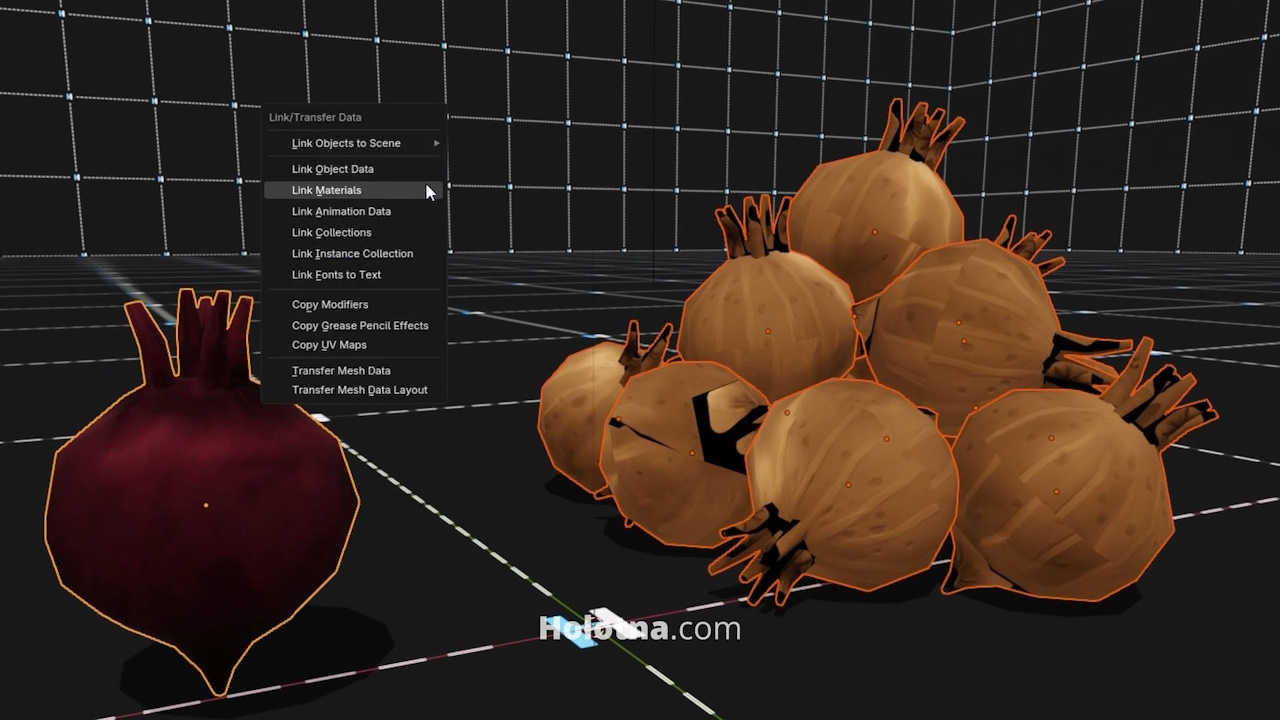
Press CTRL + L and choose Link Materials.
 Developing your own game?